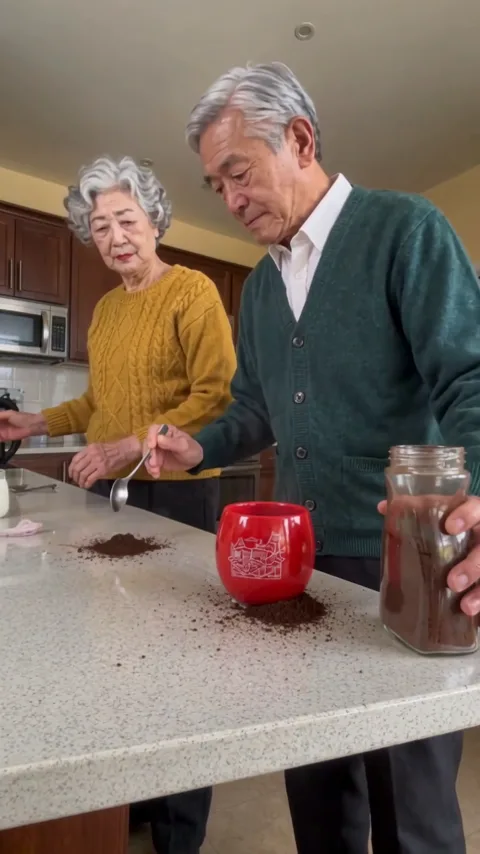
AI-generated example
Person · 15s · 480p
Results may vary
Two photos · person or pet duo · 15-second video
Turn two authorized person or pet photos into a 15-second vertical coffee-mishap video. Choose the duo type, environment, and 480p or 720p output; no written prompt is required.
Choose a mode, add two subjects, and pick a setting.
Person · 15s · 480p
Results may vary
The workflow is fixed and simple: add two subjects, choose how the kitchen should look, select the output quality, and submit the render.
Add one clear photo for the left subject and one for the right. Use two people in Person mode or two pets in Pets mode.
Select Person or Pets, keep the original background with Auto or choose café, home, office, or outdoor, then pick 480p or 720p.
Confirm photo permission and submit. The task continues in My Creations; review the finished video before downloading or sharing it.
For the current photo, permission, and storage details, review the setup guidance.
See photo requirements and current limitsOne-time credit packs · No subscription
Choose 480p for 10 credits or 720p for 20 credits per completed video. Credit packs are one-time purchases; the generator shows the exact credit cost before submission.
View package comparison and selection rules20 credits · 1 HD 720p video · no subscription
By paying, you agree to our Terms. Unused-pack refund policy. Adult payer required.
| Template option | Video format | Reference credits |
|---|---|---|
| Standard · 480p | 15-second vertical MP4 | 10 |
| HD · 720p | 15-second vertical MP4 | 20 |
Credits stay in your account until used. Watching examples, selecting photos, and preparing the form are free; credits are reserved only when you submit a generation.
A generation reserves the selected credit amount. If the task fails or is blocked before a video is delivered, the reservation is released automatically.
Review the current termsBefore publishing, check the platform’s rules and the permissions needed for your intended use.
Generator specifications
The inputs, output, cost safeguards, and photo-retention rules for the current Coffee Fail AI workflow.
Choose the right mode
Both modes follow the same 15-second coffee-fail sequence, but their source-photo requirements and common identity problems are different.
Best for couples, friends, and adult family members who have agreed to appear.
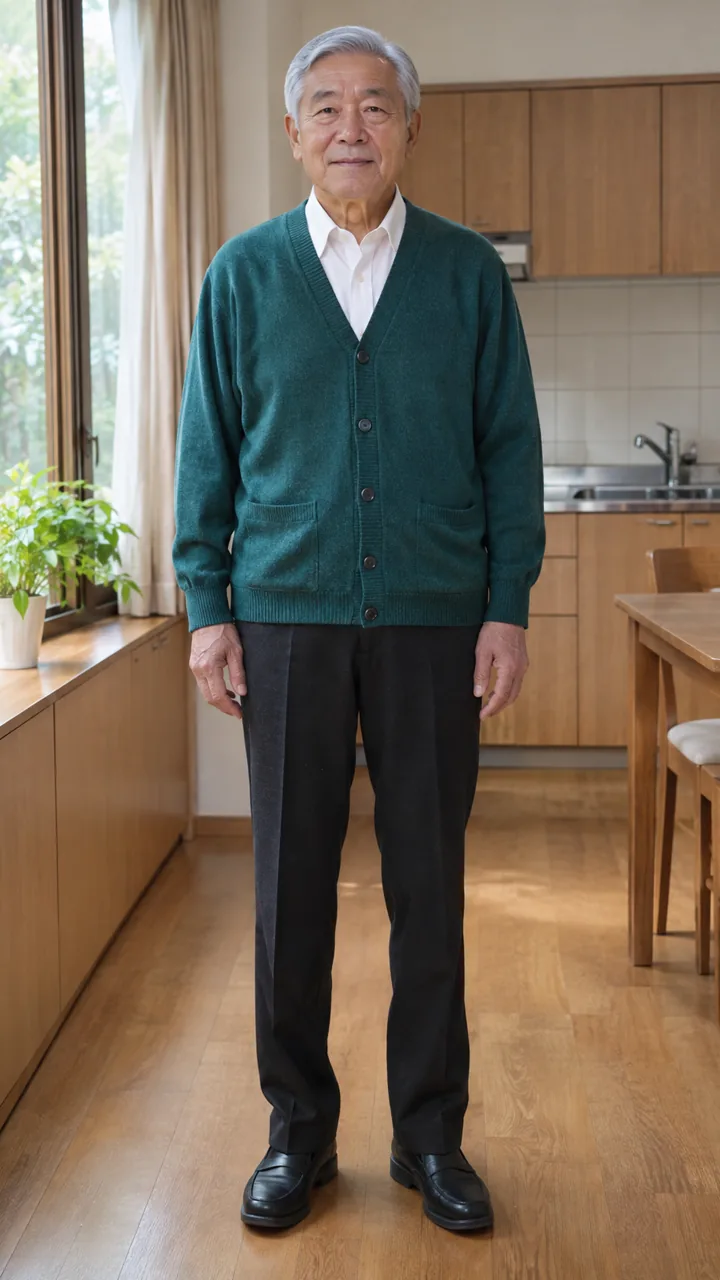
Coffee maker
Right · foreground
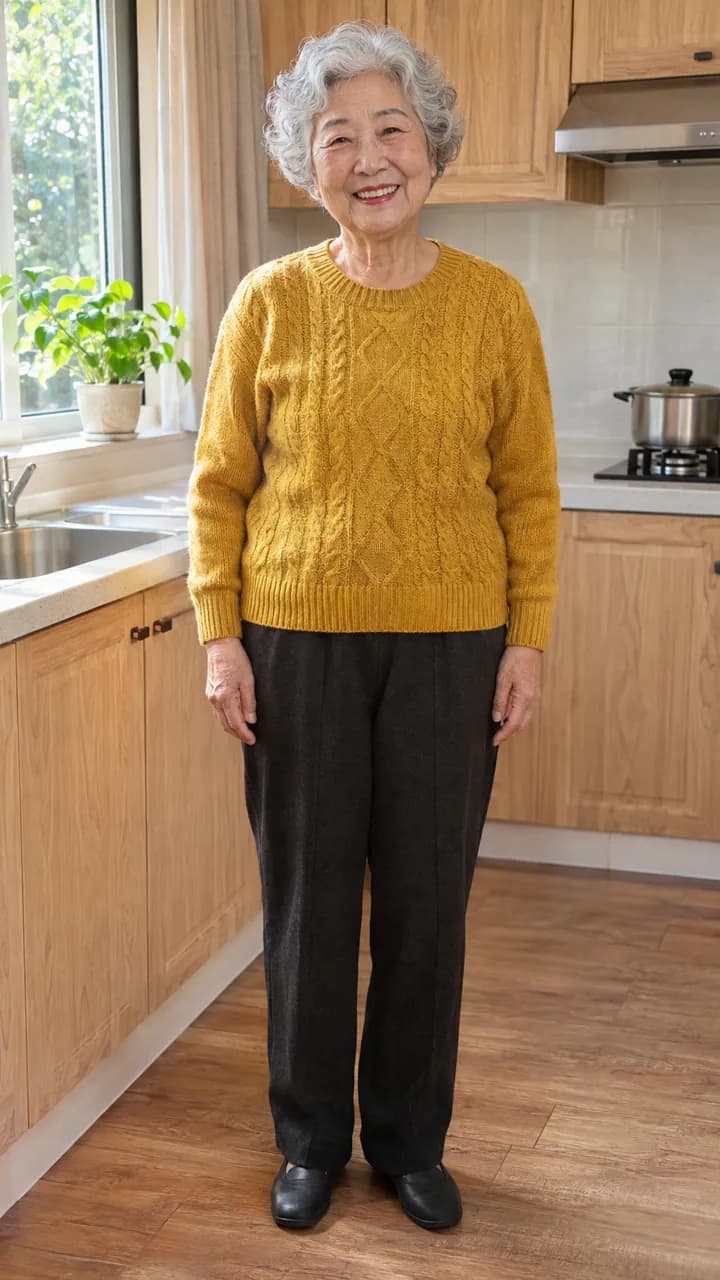
Milk pourer
Left · background
Use two separate, evenly lit portraits with one adult in each photo.
Common failure points
Similar-looking faces may swap; side profiles, covered faces, or group photos reduce identity consistency.
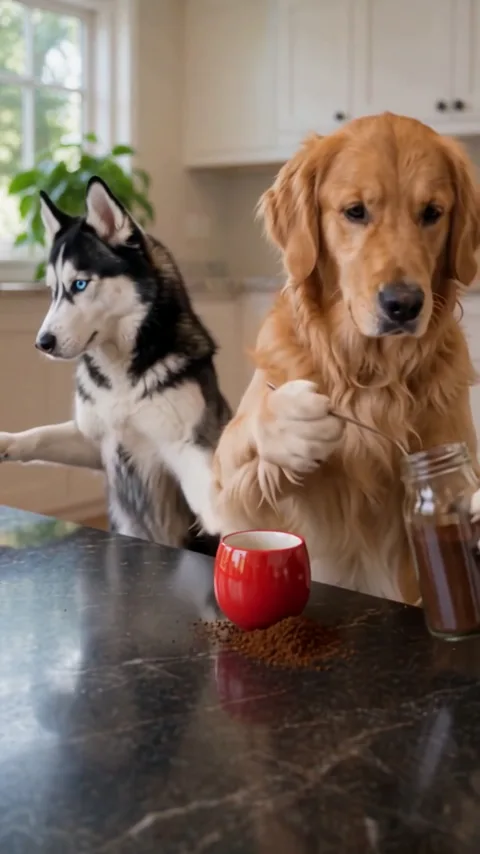
Best for two dogs, two cats, or a two-pet combination with each pet shown separately.
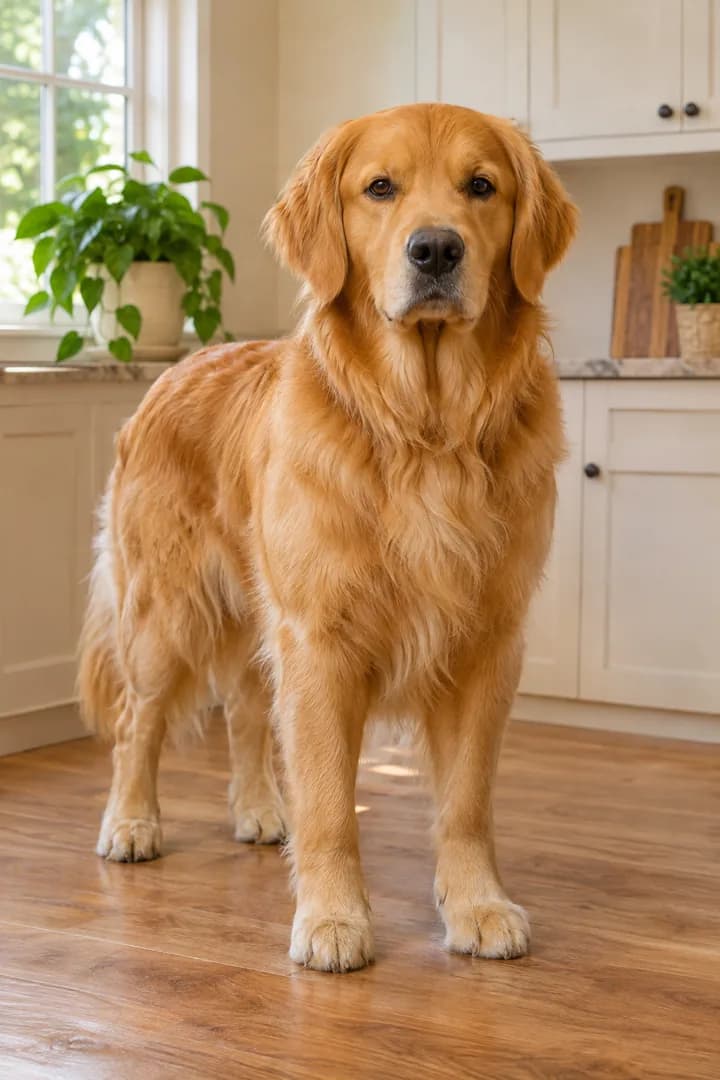
Coffee maker
Right · foreground
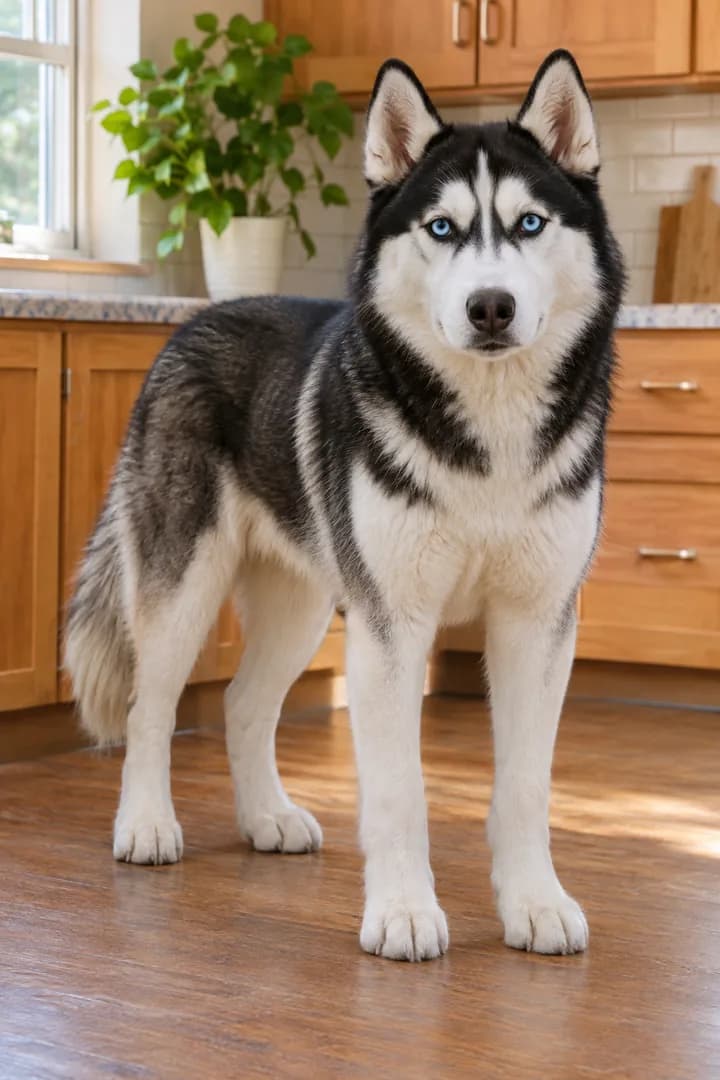
Milk pourer
Left · background
Use one clear pet per photo with the eyes, muzzle, ears, and body shape visible.
Common failure points
Matching fur colors, hidden faces, cropped ears, costumes, or distant photos can merge identities or change anatomy.
Use two clear, evenly lit images with one subject in each. Better source photos improve identity consistency, but every render remains generative and can change fine details.
 Recommended
Clear, single-subject photos
Front-facing · even light · head and shoulders or half body
 Avoid
Photos that hide or confuse the subject
Stickers or screenshots · group shots · tight crops · dark or blurry · face covered
Use your own eligible photo, a photo of a consenting adult, or a pet photo you are authorized to use. Do not upload other minors, celebrities, or public figures.
For the current photo, permission, and storage details, review the setup guidance.
Before you generate
The preset handles the recognizable coffee-spill sequence. These four details explain what to expect without interrupting the creation flow.
Two fixed roles repeat a simple coffee mistake and finish with a calm reaction.
Watch the examplesUpload two photos and choose a mode, setting, and resolution; no written prompt is required.
See the workflowFaces, hands, paws, props, and liquid motion can vary. Clear single-subject photos reduce avoidable errors.
Review photo requirementsThe finished MP4 includes the prepared preset track; publishing rights and platform rules remain separate.
Read content termsBefore you start
Coffee Fail AI is a 15-second vertical comedy format where two people or pets make coffee, spill the ingredients, and finish with a deadpan reaction. This generator uses two authorized subject photos to create a downloadable version of that scene.
View pricingUpload two separate, clear photos: one for the left subject and one for the right. Use photos of consenting adults or pets you own, choose Person or Pets mode, select an environment, then choose 480p or 720p before generating.
See photo requirementsA 480p generation uses 10 credits and a 720p generation uses 20 credits. The Create video button shows the exact cost before submission. Watching the examples or selecting photos does not use credits.
View pricingNo exact identity match is guaranteed. Clear, front-facing photos improve consistency, but faces, fur, paws, hands, clothing, props, liquid motion, and background details can change during a Wan 3.0 render.
Processing time varies with provider capacity and the selected resolution. After submission, the task continues in your account, so you can leave the page and return to My Creations to check status or download a completed MP4.
Open My CreationsCredits are reserved when you submit. If the generation fails or is blocked before delivery, the reserved credits are returned automatically. A completed render uses the selected 10 or 20 credits.
Read the current termsUse your own eligible photo, a consenting adult's photo, or a pet photo you are authorized to use. A public image is not automatically licensed for upload, and saving a setup does not grant rights to another person's likeness.
Read the terms of serviceSelected photos can remain only in a browser draft for up to 24 hours before sign-in. When checkout and live generation are unavailable, a signed-in user who saves a confirmed setup uploads the photos to private Cloudflare R2 storage for up to 24 hours without sending them to an AI provider. For a live generation, temporary signed photo links and instructions are sent to API Mart as the primary provider or Kie API as the fallback. Live-task source photos are scheduled for first-party deletion approximately 48 hours after completion or failure; provider copies, task records and outputs follow the separate retention rules in the Privacy Policy.
Read the Privacy PolicyAdd two authorized person or pet photos, choose the setting and resolution, and generate a 15-second vertical MP4 with the preset coffee-fail action.
Sign-in and sufficient credits are required to submit. Your selected photos are not charged until you start a generation.
